


01 — The tool
Free volume booster to increase audio volume in decibels
Use this free Volume Booster to increase audio volume in a recording. Choose a gain in decibels and a true-peak ceiling. The tool creates a louder WAV file and reports the applied gain. It checks peak headroom, so the final boost may be smaller than the value you request.
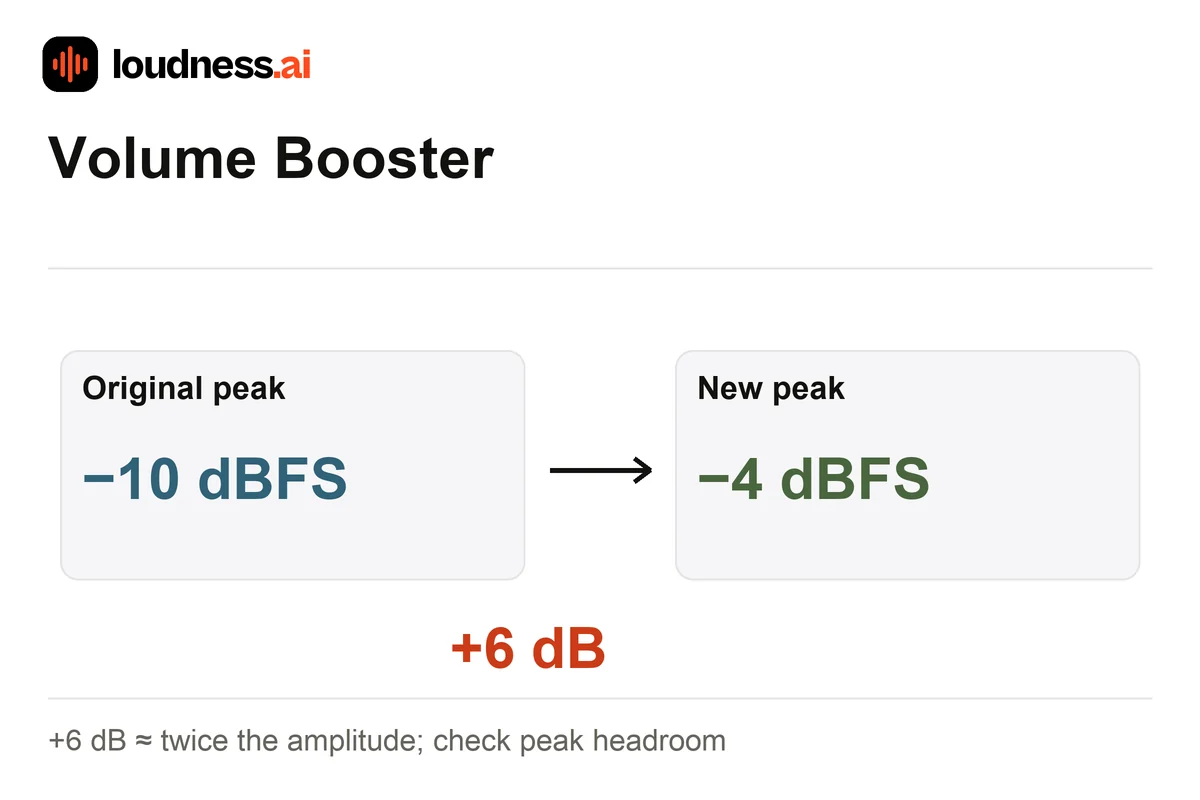
For example, +6 dB roughly doubles the signal amplitude, although it does not necessarily sound twice as loud. A peak at −10 dBFS would move toward −4 dBFS with that gain. If true peaks would exceed the selected ceiling, the applied increase is reduced. For a specific overall loudness target instead of a gain amount, use the Audio Normalizer.
02 — How it works
How to boost audio volume online for free
Choose a quiet recording
Upload the saved audio file and listen at your usual playback volume. Decide whether the whole file is low or whether only one speaker or passage needs a local adjustment.
Select gain and peak ceiling
Start with a modest gain increase, such as +3 dB, and choose the true-peak ceiling. Check the result before requesting more level, especially when occasional loud sounds are already close to the ceiling.
Listen and download the output
Review requested and applied gain along with the new loudness and peak readings. Listen to the louder sections as well as the quiet ones. Download the adjusted WAV when the change suits the recording.
03 — Practical uses
Raise volume in voice notes, narration and music clips
Quiet speech recordings
Increase the level when the voice and its peaks are both low. If background hiss also becomes louder, try the Audio Enhancer before applying the final gain adjustment.
A whole clip below project level
Boost an evenly quiet clip before placing it next to other recordings. Use the Audio Cutter first when only a selected passage belongs in your project.
Checking available headroom
Compare the readings before and after the boost. Check whether peaks kept the gain below your request. If only a few loud hits limit the file, edit those peaks first. Asking for more gain alone will not create more headroom.
Boost the volume of a browser tab
Need more volume for a video, a call or music playing in Chrome? The free Loudness.ai Volume Booster extension raises the volume of the tab you choose up to 600%, with mute and distortion reduction. Audio stays in your browser.

04 — Frequently asked questions
Volume Booster questions
Is this online volume booster free?
Yes. Increase a supported recording's level and download its WAV output for free. The original file is preserved, so you can compare the versions or choose a different gain.
Does it boost my device or browser volume?
It changes the selected audio file. It does not change speaker settings or the volume of other websites. Use your device's playback controls when you only want to listen louder without creating an edited file.
Why was less gain applied than I selected?
The true-peak ceiling protects the output from an excessive level increase. If your requested gain would push a peak over that ceiling, the tool applies a smaller uniform change and reports it.
Will raising volume remove noise or repair distortion?
A gain increase raises the wanted sound and the existing background noise together. It does not rebuild clipped audio. Clean a noisy recording or edit a problematic passage before deciding on the overall volume increase.