


A voice over gentle keys
A mix made from separate voice and music tracks.
0:00 / 0:16
Separate a song into vocals and an instrumental backing track.
READY TO UPLOAD
Drop a recording here or choose a file.
Separate a song into vocals and an instrumental backing track. Listen to both versions and download free WAV files for karaoke, practice or editing.
Explore the sound
A mixed track contains separate parts. These spoken-word examples combine a voice with music. Switch between the mix and its original parts to hear what each contains.
A mix made from separate voice and music tracks.

A mix made from separate voice and music tracks.
Voice excerpts: Garth Comira reading Ashiel Mystery and Heather Barnett reading Sense and Sensibility. From LibriSpeech by Vassil Panayotov, Guoguo Chen, Daniel Povey, and Sanjeev Khudanpur, under CC BY 4.0. Excerpts trimmed and mixed for these examples. Noise, room effects, and music added by Loudness.ai.
01 — The tool
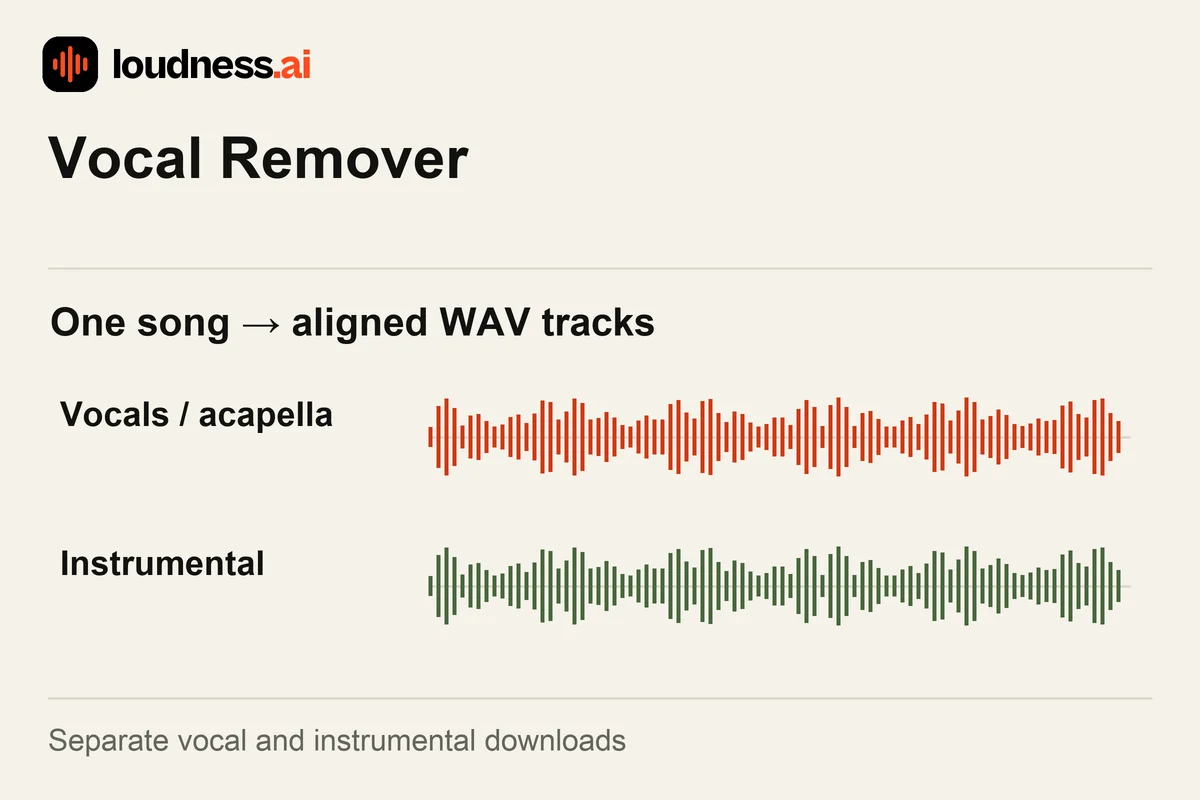
The free Vocal Remover splits a song into vocals and an instrumental. Use the music as a karaoke backing track, or save the voice as an acapella. Listen to the singer alone to study a phrase or prepare an edit. You can preview both WAV tracks before saving them.
Upload a clear MP3, WAV, M4A or FLAC song and compare the results with its full mix. To remove vocals use the instrumental output; to isolate the singer use the vocal output. Separation is different from cutting a song into shorter clips. If you also want individual drums and bass, choose the Stem Splitter and its four-track result.
02 — How it works
Upload the version you want to work with. Prefer a clear source when one is available. A live room recording or a heavily distorted copy can make vocal and instrumental parts harder to judge.
Play both tracks and check the chorus, backing voices and long vocal effects. Compare the music with the original song. Make sure the part you need works as a backing for your singing or practice session.
Save the instrumental, vocal track or both WAV files. Keep the original timing when importing them into a project. For a shorter rehearsal passage, open the downloaded track in the Audio Cutter.
03 — Practical uses
Use the instrumental while you sing the lead part. Cut a repeated verse or chorus with the Audio Cutter when you want a focused practice clip instead of the complete song.
Listen to the isolated singer to study phrasing and note entrances. Use the Audio Speed Changer for a slower version while keeping the pitch of the passage.
Import the vocal WAV into a music project and check its timing against a new backing. The BPM Finder can help you identify the source song's tempo before arranging the vocal.
04 — Frequently asked questions
Yes. Separate a supported song, preview its voice and instrumental outputs and download the WAV files for free. No change is made to the original file stored on your device.
A karaoke backing keeps the instrumental accompaniment for someone else to sing over. An acapella contains the isolated vocal part. This tool provides both so you can choose the version needed for your task.
Dense mixes, backing vocals and long vocal effects can leave traces or affect nearby instruments. Preview the sections you need. A clear source and a useful listening comparison matter more than expecting perfect removal from every song.
This tool gives you vocals and an instrumental. Use Stem Splitter for separate drums and bass. Its fourth track groups the other parts, such as guitar and piano. Those instruments do not each get their own output.