


01 — The tool
Measure audio loudness with a free LUFS meter
The free LUFS Meter measures how loud an audio file sounds overall. Integrated LUFS covers the full recording. True peak checks how close the rebuilt signal gets to the digital ceiling. RMS and sample peak give you other ways to compare the file. Read them together before you change the level.
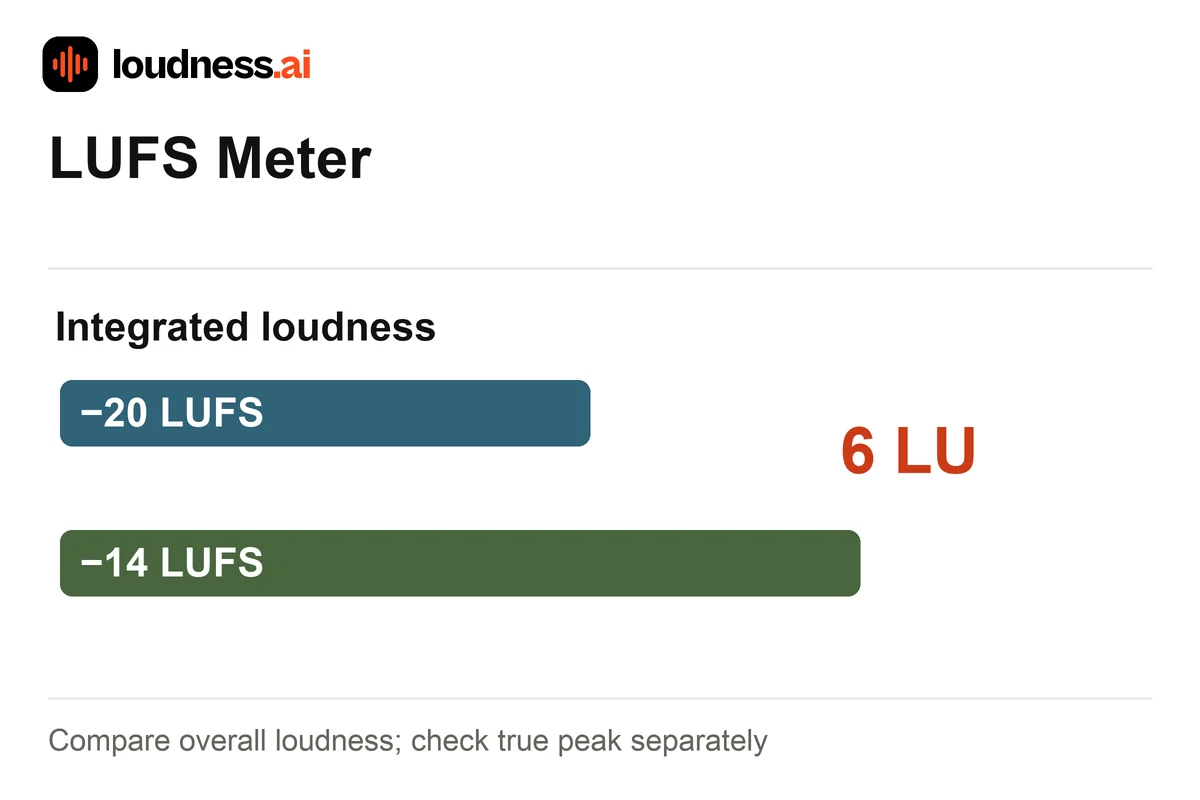
Upload MP3, WAV, M4A or FLAC audio and review the measurements together. Two songs can have similar peaks but different perceived volume. For example, −20 LUFS is 6 LU quieter than −14 LUFS. Before adding gain, check whether the true peaks leave enough headroom. Use the Audio Normalizer when you want to export an adjusted file.
02 — How it works
How to check LUFS and true peak online
Choose the final recording
Upload the song, episode or voice track you plan to share. Check the full file for its overall level. A quiet intro alone may give a different reading from the loud chorus or the rest of the track.
Read loudness and peaks together
Check integrated LUFS, true peak in dBTP and RMS in dBFS. Review loudness range and the level history to locate louder passages, pauses and changes between speakers.
Save the measurement report
Download the report and keep it beside your export. After changing gain, compression or encoding, check the new file again so your saved measurements describe the version you will publish.
03 — Practical uses
LUFS checks for music, podcasts and voiceovers
Finished music mixes
Compare each export at the same listening volume. Use Streaming Loudness Checker to see how the track measures against playback references. It also estimates how much gain each reference could add or remove.
Podcast episodes
Check for a large volume gap between episodes. Use Podcast Loudness Checker to set a target for the show. It lets you choose a loudness target and peak ceiling for the report.
Narration and video dialogue
Measure the final narration file before placing it in a project. A loudness reading helps compare takes, while peak headroom helps you judge whether a simple gain increase is suitable.
04 — Frequently asked questions
LUFS Meter questions
Is this LUFS meter free?
Yes. Analyze a supported recording and download its measurement report for free. The meter checks the file without changing its audio, pitch, duration or channel arrangement.
What is the difference between LUFS and RMS?
RMS describes average signal energy. Integrated LUFS uses frequency weighting and loudness gating to describe overall perceived level. Read both with the peaks rather than treating either number as a complete sound-quality score.
Why can true peak exceed sample peak?
Sample peak reads stored samples. True peak estimates the reconstructed waveform, which can rise between those samples. Check the final encoded file because later conversion can change its peaks.
Does the LUFS checker make my audio louder?
It produces measurements and a report. To change volume, choose a target in Audio Normalizer or an explicit gain in Volume Booster. Loudness measurement itself leaves the uploaded recording intact.