


01 — The tool
Free sound level meter for live microphone readings
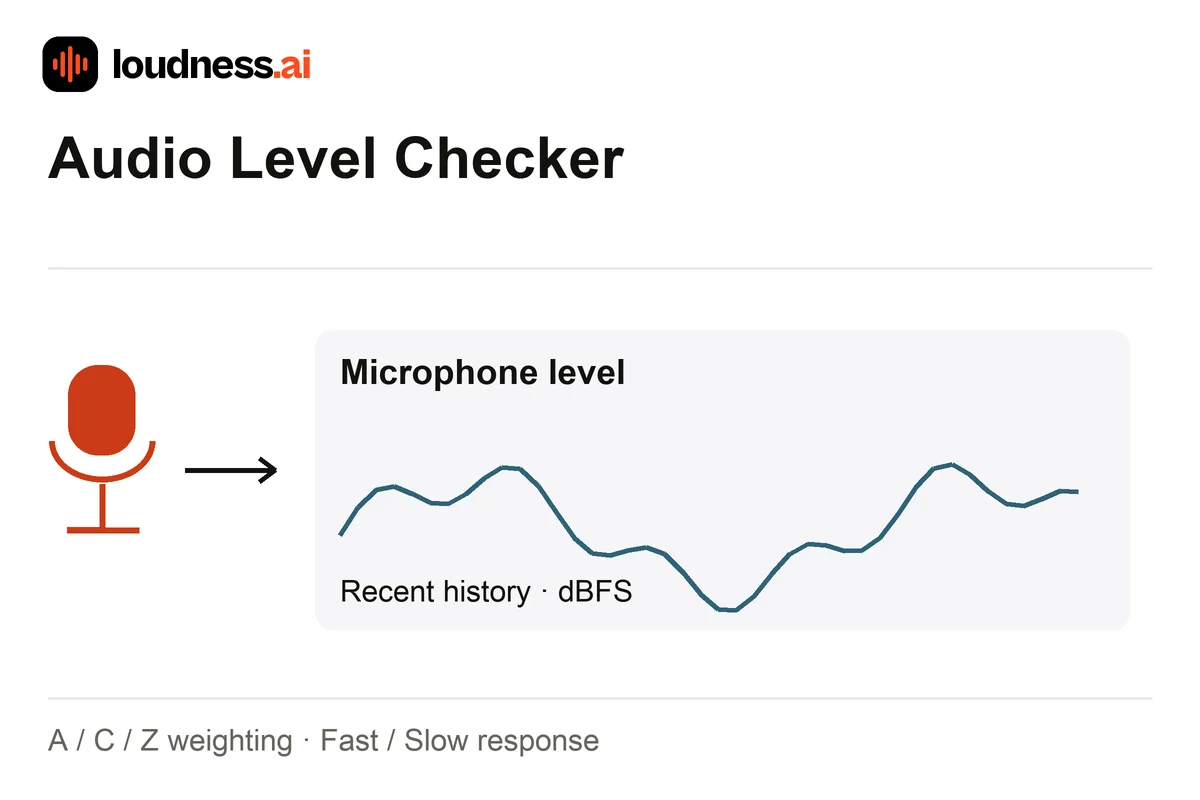
The Audio Level Checker is a free sound level meter. It follows the sound around your microphone. View the current reading, minimum, average and maximum, with a history chart covering the last 60 seconds. Use it to compare a room before and after switching off a fan, moving equipment or closing a window.
This online decibel meter initially shows relative digital level in dBFS. Select A, C or Z weighting and Fast or Slow response for your comparison. If you have a calibrated reference sound meter, use the calibration control to match a steady reading. Keep microphone position and input gain unchanged. For a saved recording's loudness, use the LUFS Meter.
02 — How it works
How to use the audio level checker online
Start with the same microphone position
Select your microphone and start metering. Allow microphone access when your browser asks. Place the device where you want to compare sound and avoid moving it between measurements.
Choose weighting and response
A weighting suits general noise comparisons; C keeps more low-frequency energy, while Z is unweighted. Fast follows changes quickly and Slow steadies the display. Keep these choices consistent between sessions.
Compare and save readings
Watch current and average level, then review maximum readings and the history. Pause to inspect a session or reset for a fresh comparison. Download the CSV report to retain the measured numbers.
03 — Practical uses
Compare room noise, equipment and microphone positions
A quieter recording position
Compare two places in the same room using the same device and settings. Once you choose a position, use Mic Test to record and listen to a short spoken sample.
Fans and household equipment
Compare the average with a fan on and off, or at two fan speeds. Watch the maximum too. A short noise can raise the peak but may not reflect the usual sound in the room.
Changes over a session
Use the history chart to notice passing traffic or intermittent sound. Keep the microphone steady so a jump reflects the surroundings rather than a change in distance or input gain.
04 — Frequently asked questions
Audio Level Checker questions
Is the online sound level meter free?
Yes. Live metering, weighting, response settings, calibration and CSV export are free. Choose an available microphone and start a session without uploading an audio file.
Does a dBFS reading equal environmental decibels?
The first reading is the digital level from your microphone. Your device and gain setting affect it. A reference reading can help estimate sound pressure level. Use a calibrated sound meter when you need a certified measurement; a browser alone cannot provide one.
Does the meter record my microphone audio?
No audio recording is saved. The tool reads sound levels from your chosen microphone and saves those numbers as CSV. The report contains measurements, not an audio file you can play back.
Why do readings change when I move the phone?
Distance and direction change the sound reaching the microphone. Input processing can also affect levels. Keep the device, gain, weighting and response consistent when judging whether a room change helped.