


01 — The tool
Free tap tempo counter to measure BPM by hand
Tap Tempo calculates beats per minute from the intervals between your taps. Listen to a song, a rehearsal or a rhythm in your head and tap a steady pulse. The counter updates as you continue, giving you a BPM reading to use for a metronome, music project or effect setting.
No audio upload is needed. This BPM counter measures your tapping rather than listening through the microphone. Choose the pulse you intend to follow and stay consistent: counting twice as many pulses gives twice the BPM. If you have a recording and want an independent estimate, compare your result with BPM Finder.
02 — How it works
How to use the tap tempo BPM counter
Listen for a regular musical pulse
Follow a repeated kick, snare or chord pattern before starting. Count the main beats rather than every fast note. A clear chorus or rhythm section is easier to follow than a free-time introduction.
Tap with the button or keyboard
Use the tap button, Space or Enter while the tap area has focus. Give it several steady taps; aim for at least eight beats before reading the tempo. Keep one tap per chosen beat.
Read the BPM and start again when needed
Check the tempo and beat interval together. Reset when switching songs or testing a new pulse. A gap of more than three seconds starts a new tapping sequence, preventing a long pause from skewing the next reading.
03 — Practical uses
Tap BPM for practice, DJ preparation and delay timing
Set a metronome for practice
Measure a phrase you want to rehearse, then set your metronome near that tempo. Repeat the count to check consistency. Use Audio Speed Changer to create a slower practice recording when necessary.
Check half-time and double-time rhythms
Tap a relaxed pulse and then a faster subdivision to compare readings such as 70 and 140 BPM. Choose the value that fits your beat grid and phrasing rather than treating either number as automatically wrong.
Estimate beat-synced effect timing
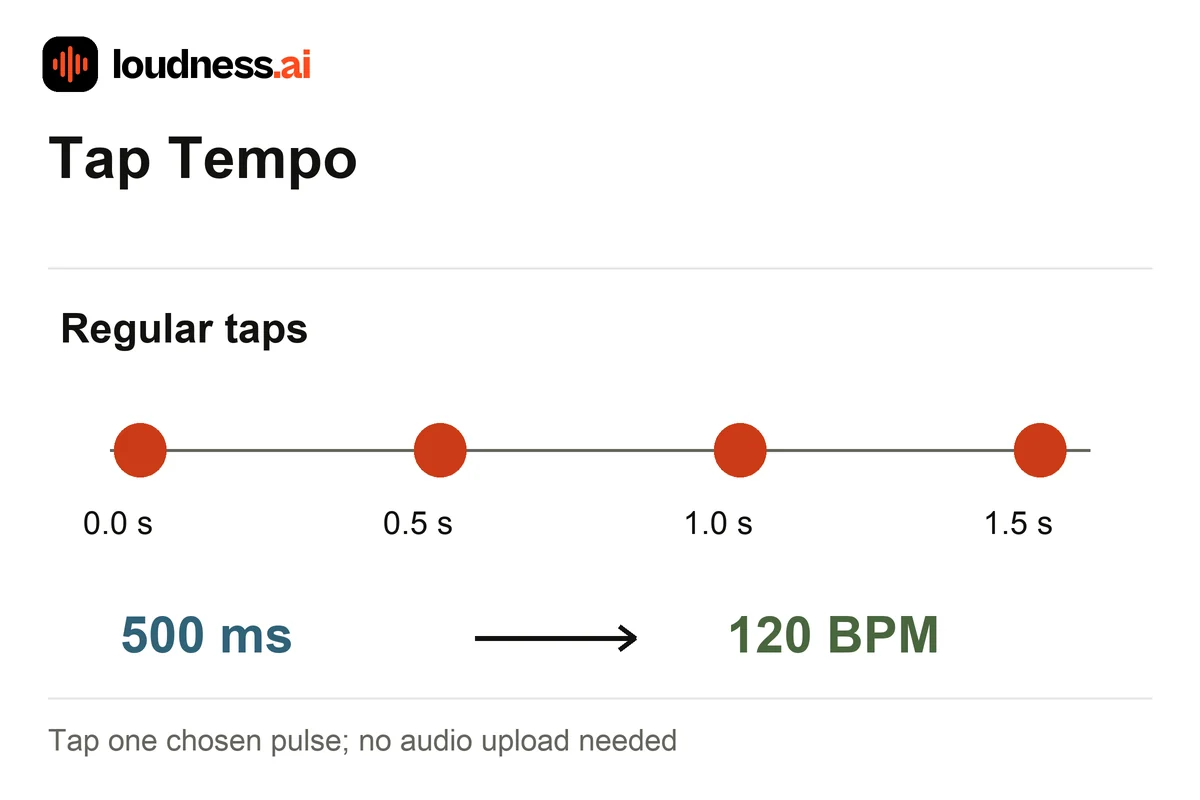
At 120 BPM, a quarter-note beat lasts 500 milliseconds. Use the measured beat interval as a starting point for a delay setting, then listen to repeats against the music and adjust for the intended subdivision.
04 — Frequently asked questions
Tap tempo and BPM counter questions
Is Tap Tempo free?
Yes. Use the online counter for free without uploading a recording. You can repeat the measurement for different songs or rehearsal passages and reset the count whenever you need a fresh reading.
How many taps should I make?
Two taps establish an interval, but several regular taps give a more useful estimate. Aim for at least eight steady beats and repeat the sequence if a mistimed tap changes the reading noticeably.
Why does the BPM move as I tap?
The counter responds to differences in your tap timing. Follow one consistent pulse and avoid switching between beats and subdivisions. A live performance may also speed up or slow down instead of holding one tempo.
Does Tap Tempo detect song key or Camelot codes?
No. It measures tempo from taps. Use Song Key Finder for tonal information and the Camelot Wheel for harmonic relationships when preparing a DJ mix.