


01 — The tool
Free streaming loudness checker for playback comparisons
The Streaming Loudness Checker measures your finished track and compares its loudness with playback references. See integrated LUFS, true peak and estimated gain together. A negative adjustment means the comparison turns the track down; a positive adjustment means it would raise the level where peak headroom allows.
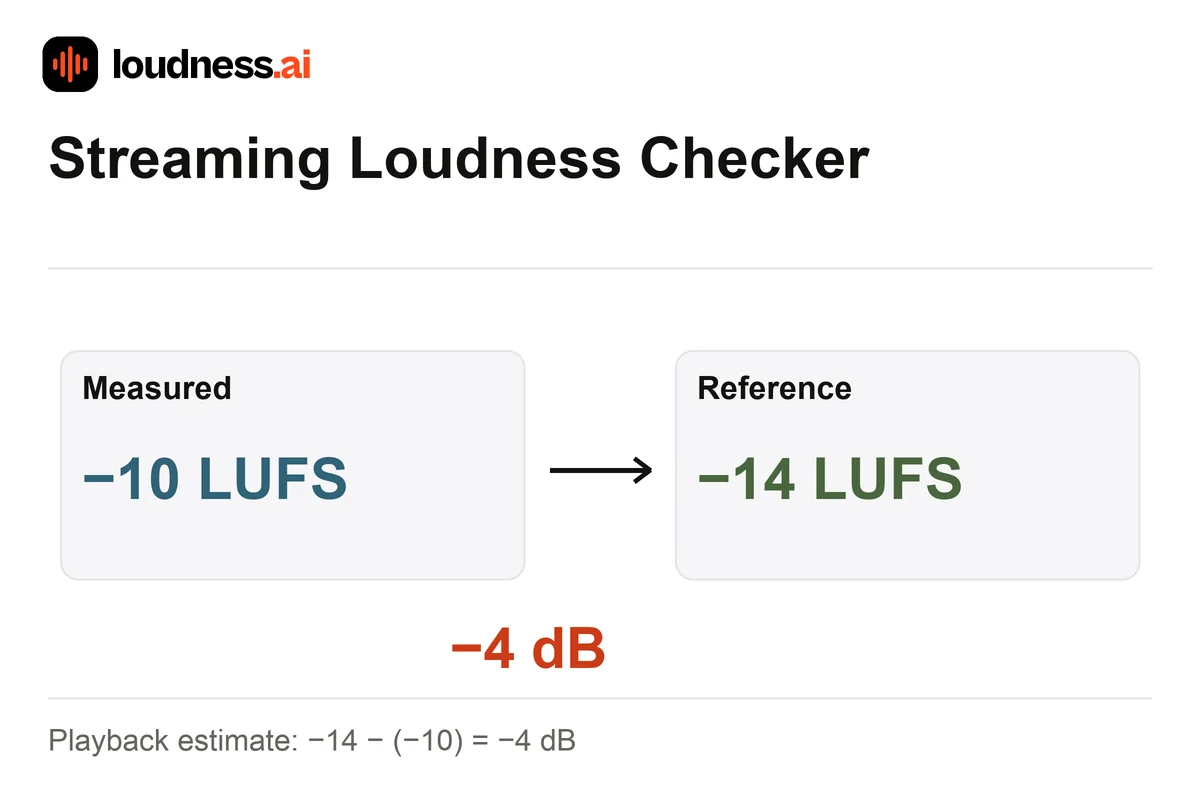
For example, −10 LUFS compared with −14 LUFS gives a −4 dB adjustment. The Spotify comparisons include Normal at −14 LUFS and Quiet at −19 LUFS. Other reference rows help compare delivery choices, while an editable target lets you check a different level. These are comparisons, not edits to your recording. Use the Audio Normalizer to export an adjusted WAV.
02 — How it works
How to check streaming loudness and estimated gain
Upload the release version
Choose the final MP3, WAV, M4A or FLAC file. A revised master or a different encoded export can have different peaks, so analyze the version you intend to deliver.
Compare loudness with the reference
Read each target and its gain estimate. Review true-peak headroom when a quieter track needs positive gain. A peak-limited row explains why the comparison cannot reach its target using only a level change.
Listen and save the report
Compare the master at a comfortable playback level before deciding to revise it. Download the report for reference, and rerun the check after any change to the final export.
03 — Practical uses
Check music releases, video soundtracks and alternate masters
Spotify playback review
Compare the Normal and Quiet rows. They use different target levels. The listener’s settings and the way an album plays can change the actual gain. Treat this report as a check while you prepare the master.
Video soundtrack level
Compare a video soundtrack with the reference you choose. For an overall measurement without platform rows, use the LUFS Meter and review loudness alongside the final encoded peaks.
Choosing between masters
Compare two masters at a similar volume. The louder file may be turned down during playback. Use Music Mastering to try another tone or level setting when it helps a clear issue you can hear.
04 — Frequently asked questions
Streaming Loudness Checker questions
Is this streaming loudness checker free?
Yes. Analyze a supported recording, compare the reference rows and download a report for free. The checker keeps the uploaded audio unchanged and does not publish it to a streaming service.
Is estimated gain a loudness penalty?
A negative gain is often called a loudness penalty. It means the track would be turned down against that reference. It is not a score for sound quality. It does not mean every mix needs more compression or the same loudness.
Why might a quiet track stay below the target?
Its peaks may leave too little headroom for the requested increase. The comparison caps positive gain at the peak ceiling. Reducing transient peaks and raising overall loudness are different editing decisions.
Are the references guaranteed playback levels?
They help compare measured audio with stated or selected references. Listener settings, album treatment and platform playback features can vary. Use the report to make a mastering decision, then listen to the delivered version.