


01 — The tool
Free podcast loudness checker for finished episodes
The free Podcast Loudness Checker compares an episode with a target you choose. Integrated LUFS describes its overall listening level. True peak checks the highest peaks in the rebuilt signal. The default is −16 LUFS, with a tolerance of 1 dB and a −1 dBTP peak ceiling.
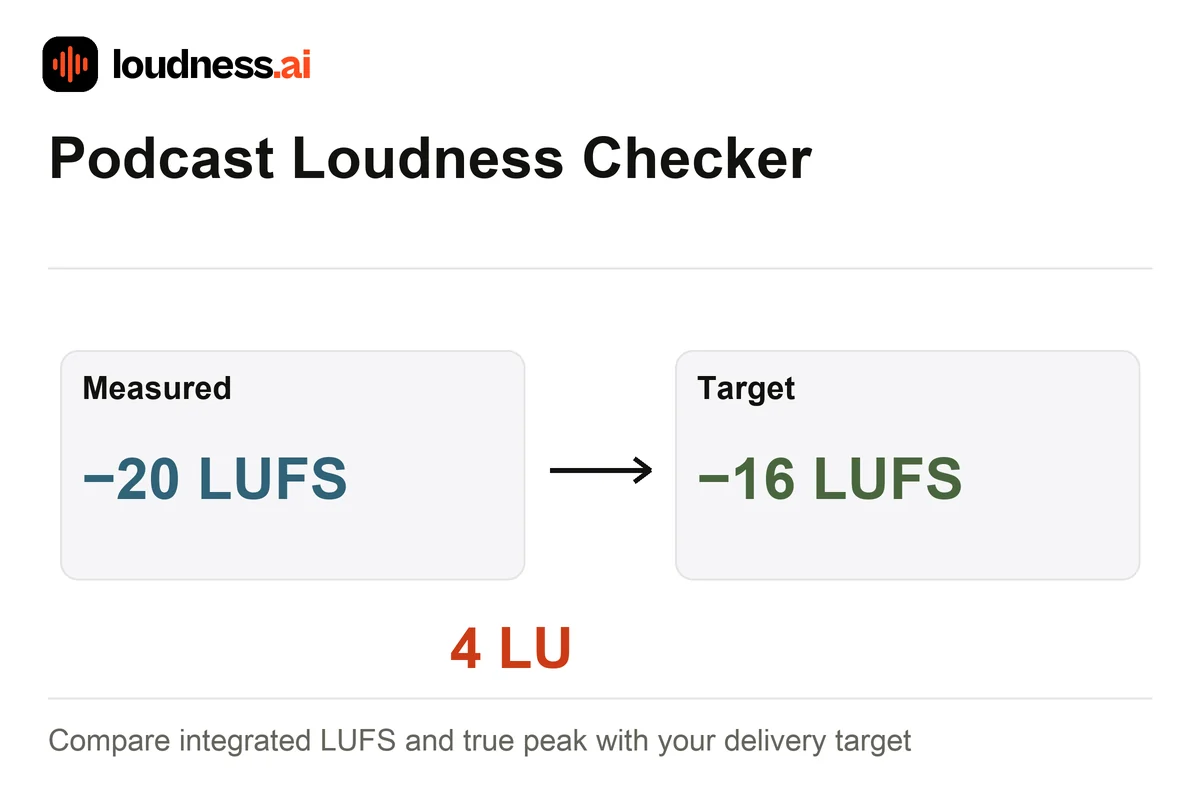
Analyze the final episode rather than one speaker's isolated take. Music beds, adverts and transitions contribute to its overall level. You can choose −19 LUFS or another target for your delivery workflow without changing the file's channels. If your episode reads −20 LUFS against −16, it is 4 LU below the target. The Audio Normalizer can export a gain-adjusted version.
02 — How it works
How to check podcast loudness online
Upload the episode export
Choose your MP3, WAV or another supported file after editing. Include the intro, speech and ending you plan to publish. Check the full episode, since a short clip may not show how the complete show sounds.
Set the delivery target
Choose the loudness target and true-peak ceiling required by your workflow. Read the within-range checks alongside the measured LUFS, peaks and loudness range rather than relying on one indicator.
Review transitions and save
Use the level history to locate jumps, then listen to speaker changes, adverts and music. Download the report and repeat the check after exporting any revised audio file.
03 — Practical uses
Check podcast dialogue, adverts and episode consistency
Matching an episode series
Compare final exports against the same target. Check both numbers and listening level so a returning listener does not need a large volume change from one episode to the next.
Guest interviews
A matching average can still hide a quiet guest and loud host. Adjust those passages before the final check; the Audio Compressor can help control uneven dynamics within a recording.
Music and advertising transitions
Listen when speech gives way to music or a sponsor segment. The Dynamic Range Meter provides another view of sustained variation and peak-to-average contrast.
04 — Frequently asked questions
Podcast Loudness Checker questions
Is the podcast loudness checker free?
Yes. Upload a supported episode, compare its readings with a target and download the report for free. The checker measures the file without altering its sound or channel format.
Should every podcast use −16 LUFS?
The default follows a common podcast delivery reference. Use the target specified by your publisher or production workflow; −19 LUFS is also available. This check does not convert mono to stereo or stereo to mono.
Does a passing loudness check mean dialogue is even?
Integrated loudness covers the whole file. One voice can still be much quieter than another even when the average meets the target. Review the history chart. Listen to guest changes and adverts before you approve the episode.
Will the checker normalize my podcast?
This page gives you a report. To change the level, use Audio Normalizer with your chosen target. Edit quiet or loud passages first if they need separate changes. Check the new export to confirm its final levels.