


01 — The tool
Free audio normalizer with a LUFS target and peak ceiling
The Audio Normalizer adjusts the whole recording toward a selected loudness target. Choose the LUFS level and true-peak ceiling, then download a new WAV. The result shows the original and adjusted readings, requested gain and applied gain so you can see what changed.
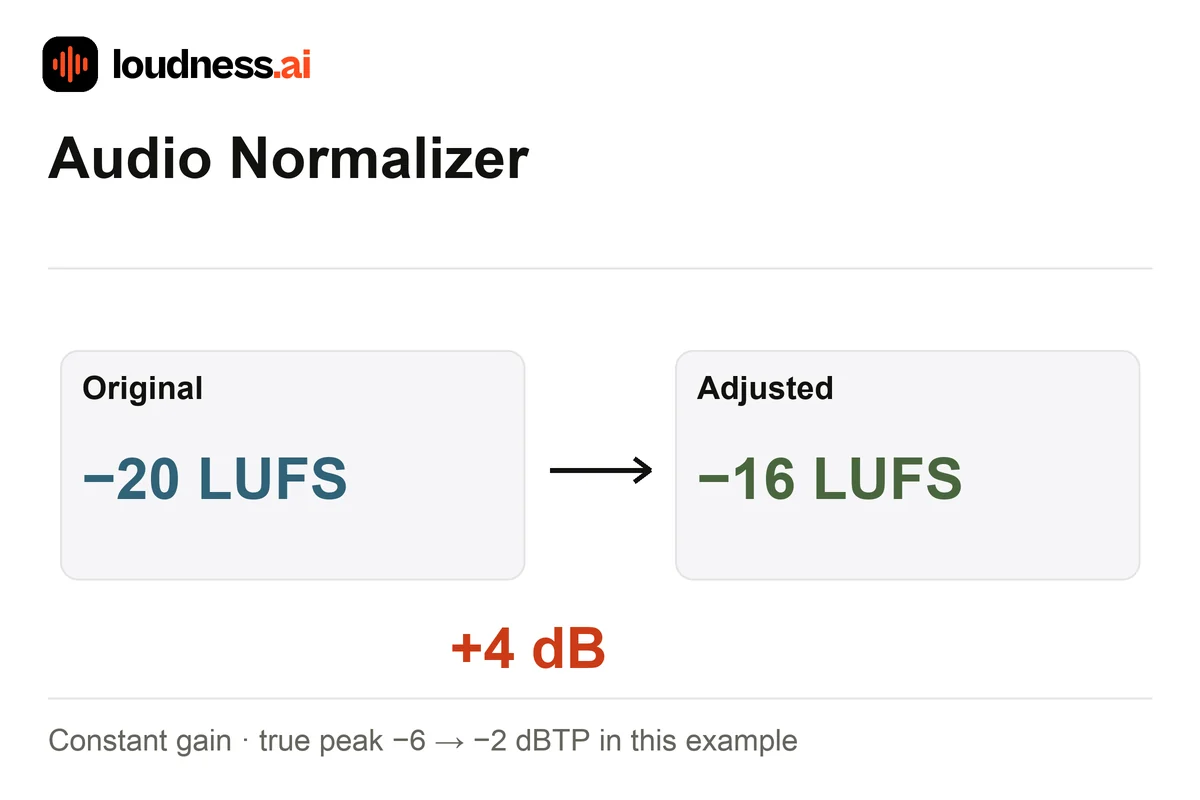
Normalization uses a uniform gain adjustment rather than leveling each word or compressing loud passages. For example, a −20 LUFS recording needs +4 dB to reach −16 LUFS. That increase is only applied where the peaks allow it. If a loud transient leaves insufficient headroom, the result can remain below target. Use the Audio Compressor for uneven dynamics before normalizing the final export.
02 — How it works
How to normalize audio online for free
Upload your edited recording
Choose MP3, WAV, M4A, FLAC or another supported file. Finish cuts and arrangement first, because changing the amount of silence, music or speech can change the integrated loudness you are targeting.
Set loudness and peak headroom
Enter your LUFS target and true-peak ceiling. A lower target makes a quieter output; a higher one asks for more level. Check the peaks as well. They may leave too little room for all the gain you request.
Review and download the WAV
Run the adjustment, compare the before-and-after readings and listen to the output. Check whether the peak ceiling reduced the requested gain. Download the WAV and retain the original for another version.
03 — Practical uses
Normalize podcast, voiceover and music loudness
Podcast delivery levels
Balance the voices and music first. Then normalize the whole episode to your target. Use Podcast Loudness Checker to check the finished file and save a report of its loudness and peaks.
Voiceover files for a project
Give finished voice files a similar overall level. Check individual phrases too. If one sentence is too quiet, edit that passage first. A single gain change raises or lowers every part of the file by the same amount.
Preparing alternate music exports
Make a version at a selected target without changing note timing or pitch. Compare the result using the Streaming Loudness Checker when playback references matter to the release.
04 — Frequently asked questions
Audio Normalizer questions
Is this audio normalizer free?
Yes. Normalize a supported file and download the adjusted WAV for free. The download is a separate file, so the original recording remains available if you want a different target later.
Does normalization fix every volume change?
A uniform gain change raises or lowers all passages together. It preserves existing level differences. Use local edits or controlled compression when a quiet speaker and a loud speaker need different adjustments.
Why did the output miss my LUFS target?
The true-peak ceiling can restrict positive gain. Reaching the target would otherwise push a peak beyond the selected limit. Review the applied gain and peaks before deciding whether the audio needs a separate dynamics edit.
Can I normalize an MP3 and download MP3?
You can upload an MP3, but the output is WAV. Use Audio Converter to turn the adjusted file into MP3. Then check that final MP3 again. A new encoding step can change the peak readings, so save a report for the file you will send.