


01 — The tool
Free stem splitter for four separate music tracks
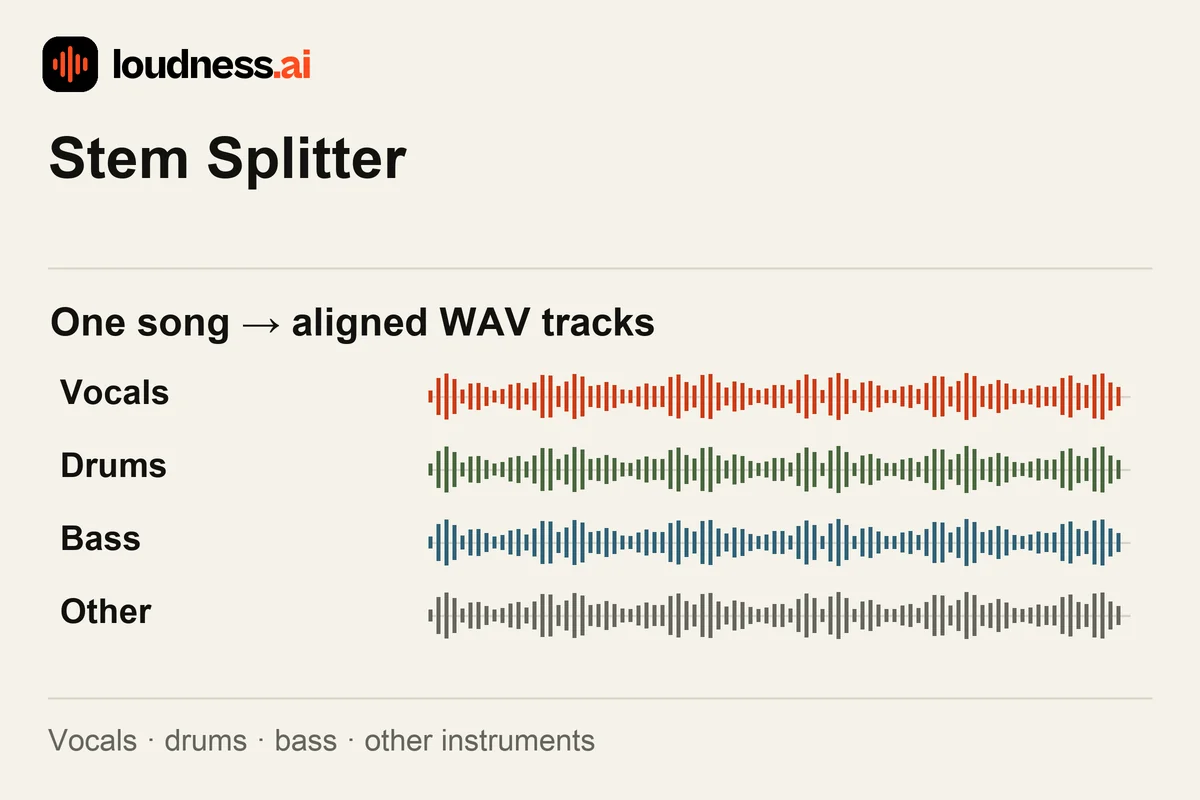
The Stem Splitter separates a mixed song into four parts: vocals, drums, bass and other instruments. Each part becomes a WAV stem you can listen to and download. The tracks share the original timing so you can place them together in a music project without arranging every part from scratch.
Use a clear MP3, WAV, M4A or FLAC recording to split a song into its main musical layers. Guitar, piano, strings and synthesizers can appear in the other-instruments stem; this four-track tool does not give each of them a separate output. If you only need vocals and a backing track, use the Vocal Remover for a two-part separation.
02 — How it works
How to split a song into stems online for free
Choose the mixed song
Upload the recording you want to separate. A clean source makes it easier to judge the result; avoid starting from an already distorted or heavily compressed copy when you have a clearer original.
Listen to the four stems
Play the vocals, drums, bass and other tracks one at a time. Check the busy chorus and long notes. You may hear traces of another part or room sound, so compare each stem with the full song.
Download and arrange the WAV tracks
Save the stems and import them at the same start position in your music software. Keep the tracks aligned, then adjust their individual levels or use only the parts required by your project.
03 — Practical uses
Use separated stems for practice, remixes and transcription
Instrument practice
Listen closely to a bass line or drum pattern, or practice with the remaining parts. Use the Audio Speed Changer when you need a slower practice version without changing pitch.
Remix preparation
Bring selected stems into a new arrangement and change the balance of musical parts. The Audio Mixer lets you layer exported recordings and set their level and start time.
A clearer transcription source
Try an isolated vocal or bass stem with Audio to MIDI when other instruments obscure the melody. Review the resulting notes against the stem before building a new instrument part.
04 — Frequently asked questions
Stem Splitter questions
Is this stem splitter free?
Yes. Separate a supported recording, listen to the four stems and download the WAV tracks for free. Keep the original mix so you can compare the separated parts with the source.
Is stem splitting the same as cutting audio?
Stems are layers of music that play at the same time. Audio Splitter cuts one file into shorter clips. Choose stems to work with voices and instruments. Choose audio splitting to save one verse or another section of the song.
Will I get individual guitar and piano stems?
The outputs are vocals, drums, bass and other instruments. Guitar and piano are usually contained in the other-instruments part alongside remaining musical layers. Review that stem before deciding how to use it.
Why can another sound remain in a stem?
Voices, notes and effects can overlap in a mix. Some sounds may remain in more than one stem. Check the parts you need and hear them in your project. An isolated stem may differ from the separate track recorded in the studio.