


01 — The tool
Free ACX audiobook checker for RMS, peaks and noise floor
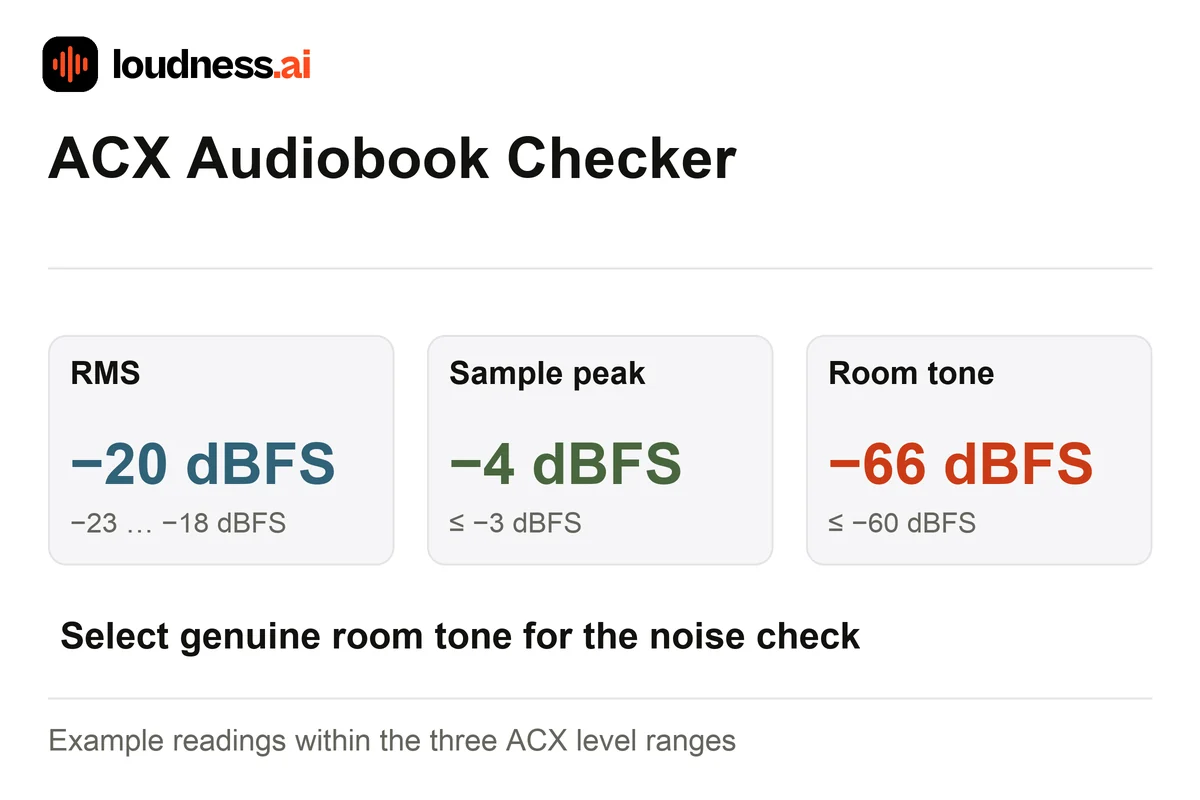
The free ACX Audiobook Checker measures the level of a narration file. Check RMS from −23 to −18 dBFS and sample peaks at or below −3 dBFS. The room-tone noise floor should be at or below −60 dBFS. The report also checks the file’s encoding details for audiobook delivery.
Find a real pause with only room tone. Enter its start and end times, then confirm your choice. Speech is not a noise-floor sample. Added digital silence cannot show the room’s background noise. Listen to the narration as you review the report. Audio Enhancer can help reduce steady noise before the final level check.
02 — How it works
How to check audiobook audio for ACX?
Choose the narration export
Upload the file you plan to deliver. Encoding checks describe that file alone. A WAV report cannot check the bitrate of a different MP3. If you convert or edit the source, check the new export before you send it.
Select room tone
Find a pause without speech, music or handling noise. Enter its start and end times, then confirm that it contains only room tone. Use a representative section rather than adding silence just to lower the reading.
Review each technical check
Read RMS, sample peak, selected noise floor and encoding details separately. Download the report, correct the relevant issue and analyze the new export. Listen for clicks, mouth noises and abrupt edits as part of your review.
03 — Practical uses
Review narration level, background noise and final encoding
Chapter-level consistency
Check each chapter against the same RMS and peak ranges. Also listen to where one ends and the next begins. A change in mic position or delivery may make them sound different even when their average levels match.
Finding a noisy recording setup
Use real room tone to examine the background level. Compare a revised recording or cleaned export. Mic Test helps you record and listen to a short sample before recording a chapter.
Preparing a delivery MP3
Check the final MP3 for its encoding information. Use Audio Converter when you need an MP3 export, then verify that file rather than relying on the measurements of its WAV source.
04 — Frequently asked questions
ACX Audiobook Checker questions
Is the ACX audiobook checker free?
Yes. Review a supported narration file and download its technical report for free. The checker reports measurements without changing your audio, so you can keep the original beside any corrected export.
Does a matching report guarantee ACX acceptance?
The report checks the file’s technical readings. ACX also reviews the whole book, its chapters and sound quality. Listen through the narration as part of your review. Check the current delivery requirements before you submit the book.
Why do I need to select room tone?
The noise-floor reading needs background sound without narration. A genuine pause reveals the recording environment. Speech would raise the RMS reading, while digital silence would hide the room noise you need to assess.
Should I use LUFS instead of RMS for this check?
ACX's stated level range is RMS. LUFS describes perceived loudness using a different measurement method. Review the RMS and sample-peak checks here rather than substituting a podcast LUFS target for an audiobook requirement.