


01 — The tool
Free online audio mastering with sound and platform choices
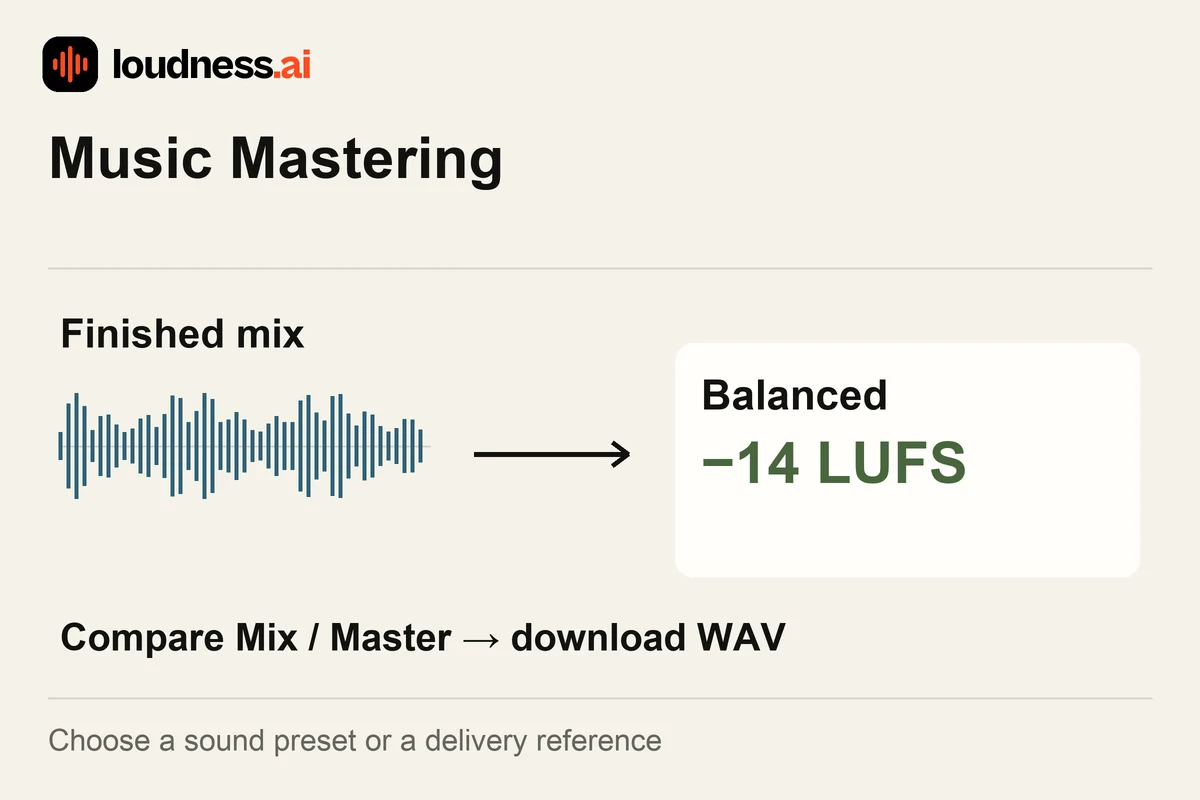
This free online audio mastering tool adjusts the tone, dynamics and loudness of a finished mix. Choose Sound mode for Balanced, Warm, Bright, Loud or Bass Boost. Choose Platform mode to start from a delivery reference. Play the master and compare it with the original mix.
For example, Balanced uses a −14 LUFS target, while Warm uses −13 LUFS. These choices are settings to audition, not a rule that every song should reach the same number. Listen to the vocal balance, bass, transients and ending before saving the WAV master. The Streaming Loudness Checker can compare the finished export with playback references.
02 — How it works
How to master music online for free
Upload the finished mix
Upload a clear WAV, FLAC, MP3 or M4A of the finished song. Finish the mix first. Mastering works on the combined file; it cannot move just the vocal or one instrument once they are blended together.
Choose a mastering approach
Choose Sound and try a preset, or choose Platform and a reference. Start with Balanced to hear the first result. Try another option if it helps a clear issue you can hear in the mix.
Compare mix and master
Play the same passage in both versions and listen at a comfortable level. Review the loudness and peak readings, check a busy chorus and a quieter section, then download the WAV master.
03 — Practical uses
Master song releases, demos and alternate versions
A final song export
Review the finished mix's overall balance and level. Use LUFS Meter on the exported master when you want a separate loudness and true-peak report for your release folder.
Comparing tonal options
Try Warm or Bright when the full mix needs a different tonal balance. Compare vocals and high-frequency details as well as bass; a preset that helps one passage may not suit every section.
A mix that needs revision
If the voice is too loud or the bass is too quiet, fix the mix first. Then master it again. Stem Splitter can split a song into layers when you only have the combined file.
04 — Frequently asked questions
Music Mastering questions
Is online music mastering free?
Yes. Upload a supported mix, choose a mastering setting, compare the preview and download the WAV for free. Keep the original mix so you can compare it with another setting later.
What is the difference between mixing and mastering?
Mixing balances individual recordings and instruments. Mastering processes the finished combined mix. If one instrument is too loud relative to another, correcting the mix is more direct than processing the whole song.
Should I always choose the loudest preset?
Choose by listening and delivery needs. More level can change transient impact and dynamics. Compare at a similar playback volume so a louder preview does not automatically seem like the better version.
Does mastering replace audio enhancement?
Music mastering shapes a finished musical mix. Audio Enhancer focuses on cleaning and clarifying voice recordings. Use the tool that matches the problem instead of applying speech cleanup to an entire song just to increase its level.